Industry
B2C · EdTech · Mobile App
My Role
UX/UI Designer · GV Design Sprint
Year
2024
Tools
Figma · Pen & Paper
TL;DR
TinyTales is a children's reading book app designed using Google Ventures' Design Sprint methodology. The app creates a magical, engaging reading experience that helps young children discover stories, build reading habits, and develop a love for books.
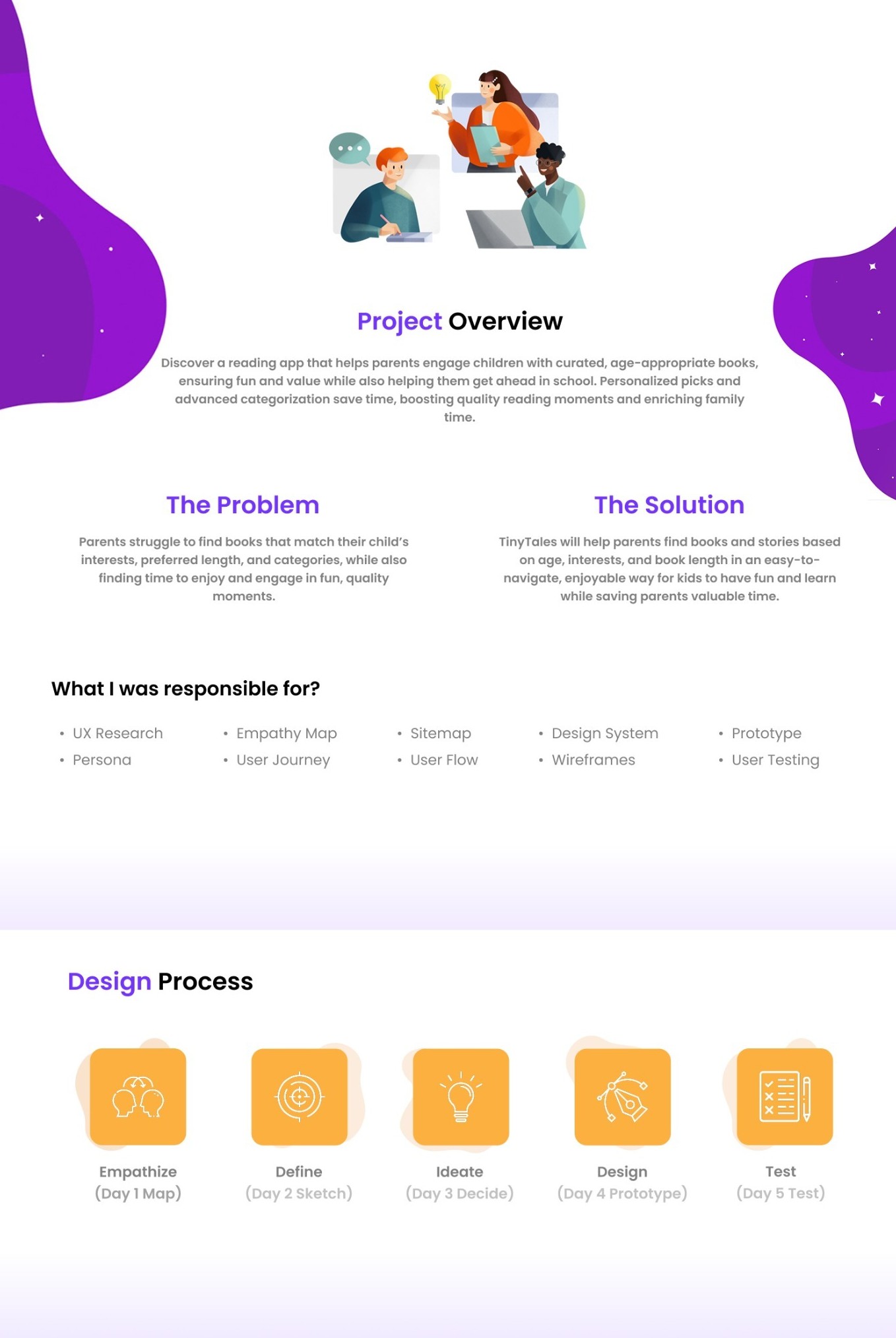
The Process
A GV Design Sprint in action.
Using Google Ventures' 5-day Design Sprint framework, we rapidly moved from problem definition to a tested prototype — compressing months of work into a single focused sprint.
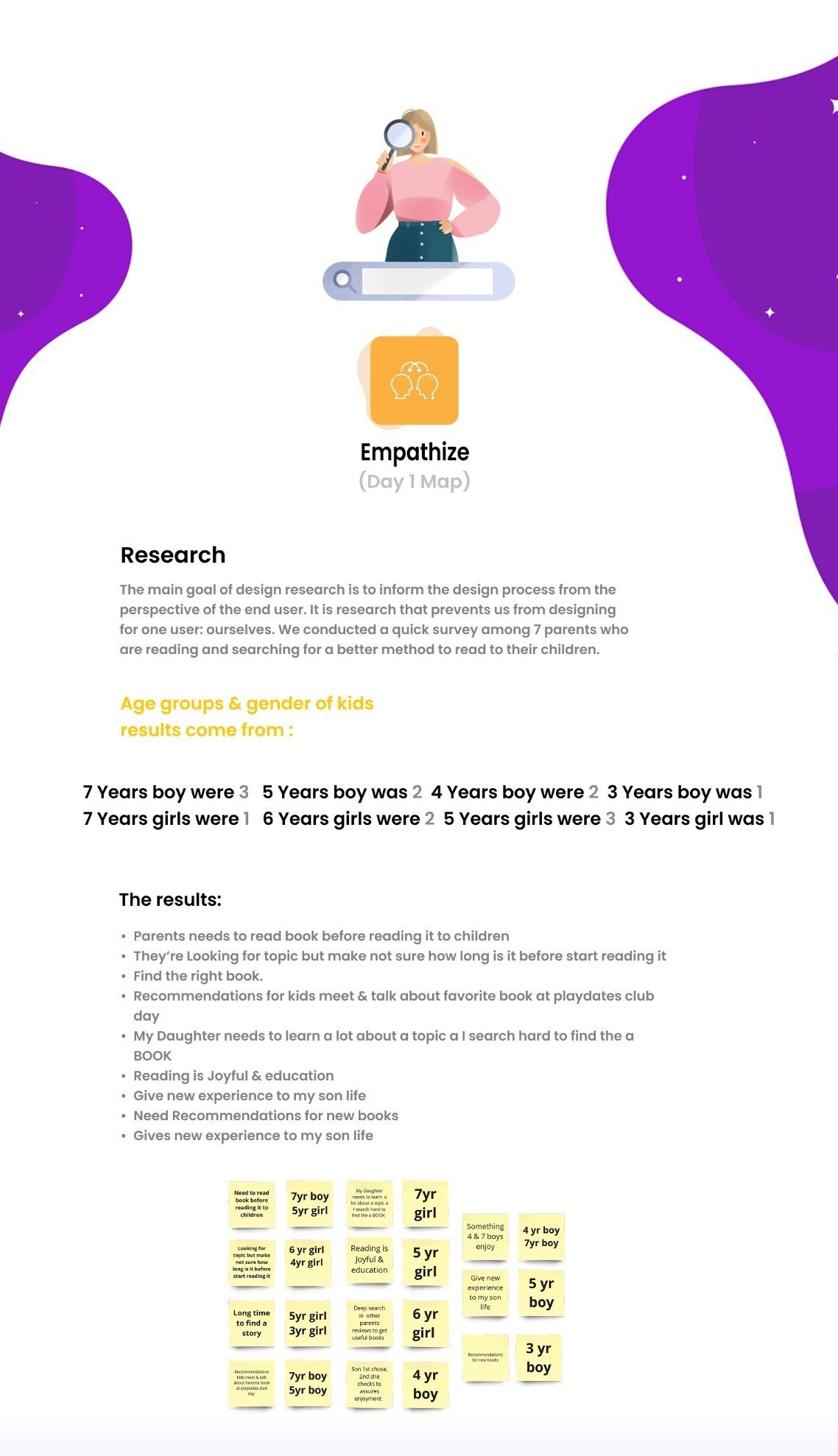
Empathy
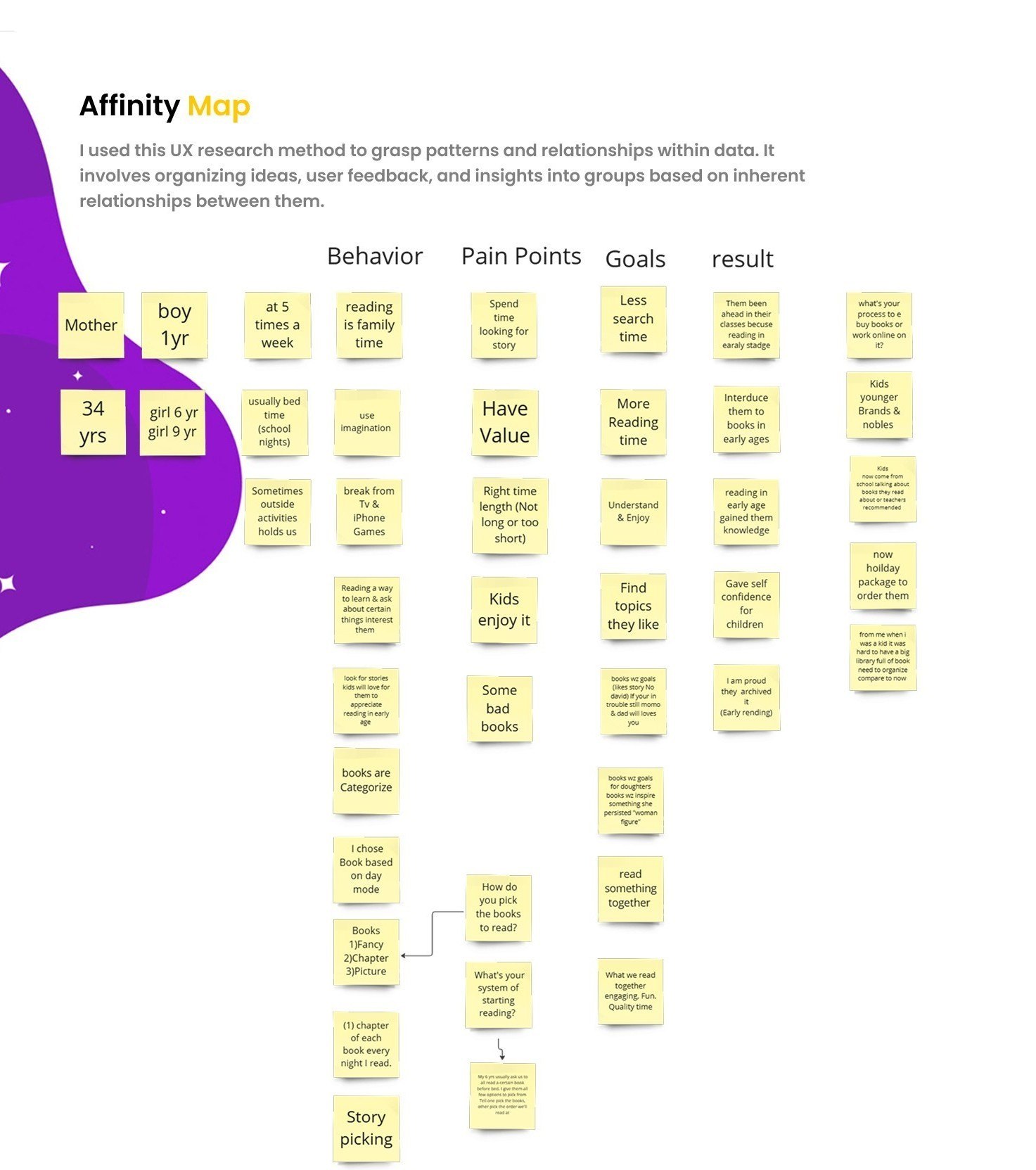
Parents' survey results & insights.
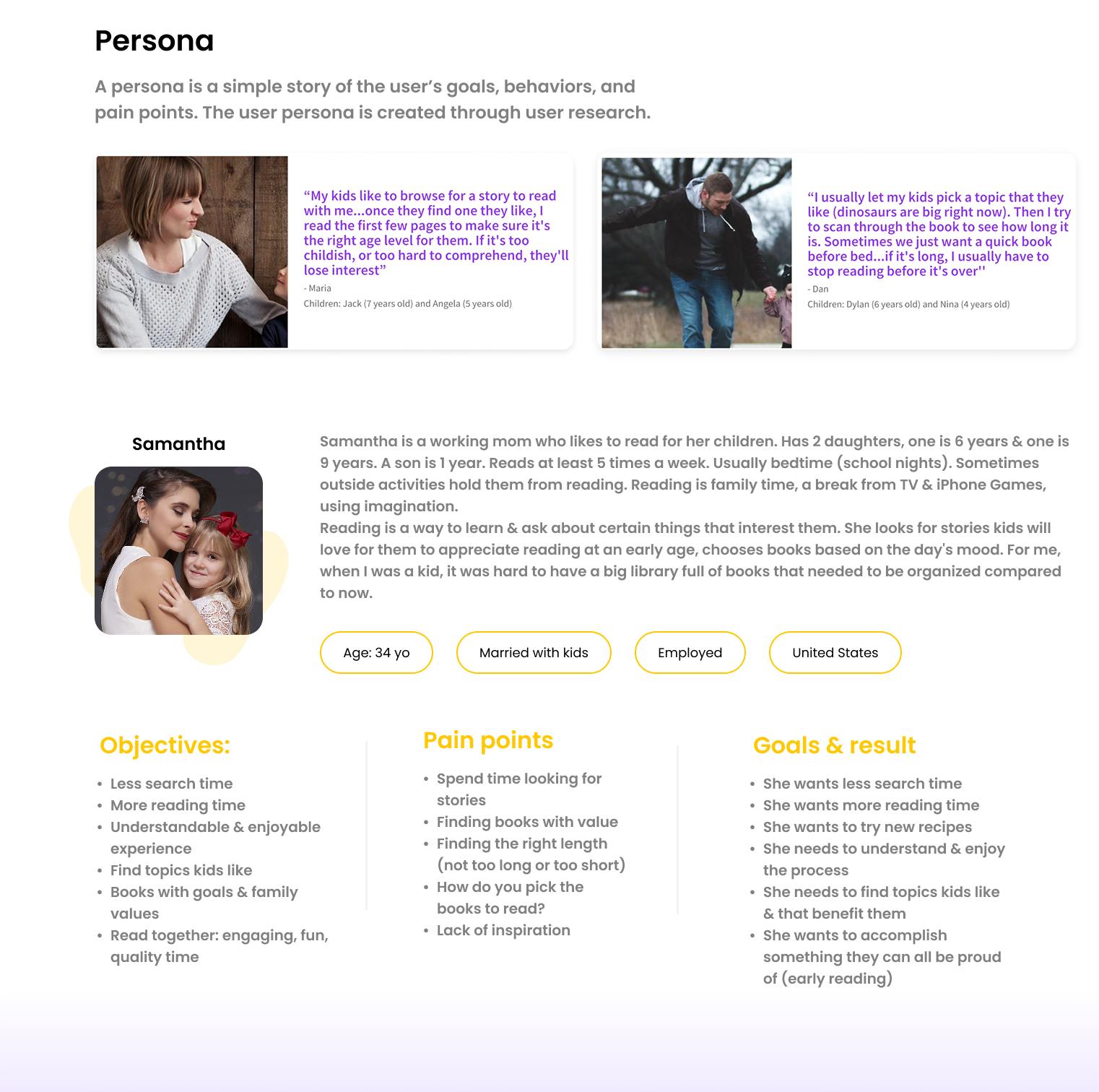
Research & Define
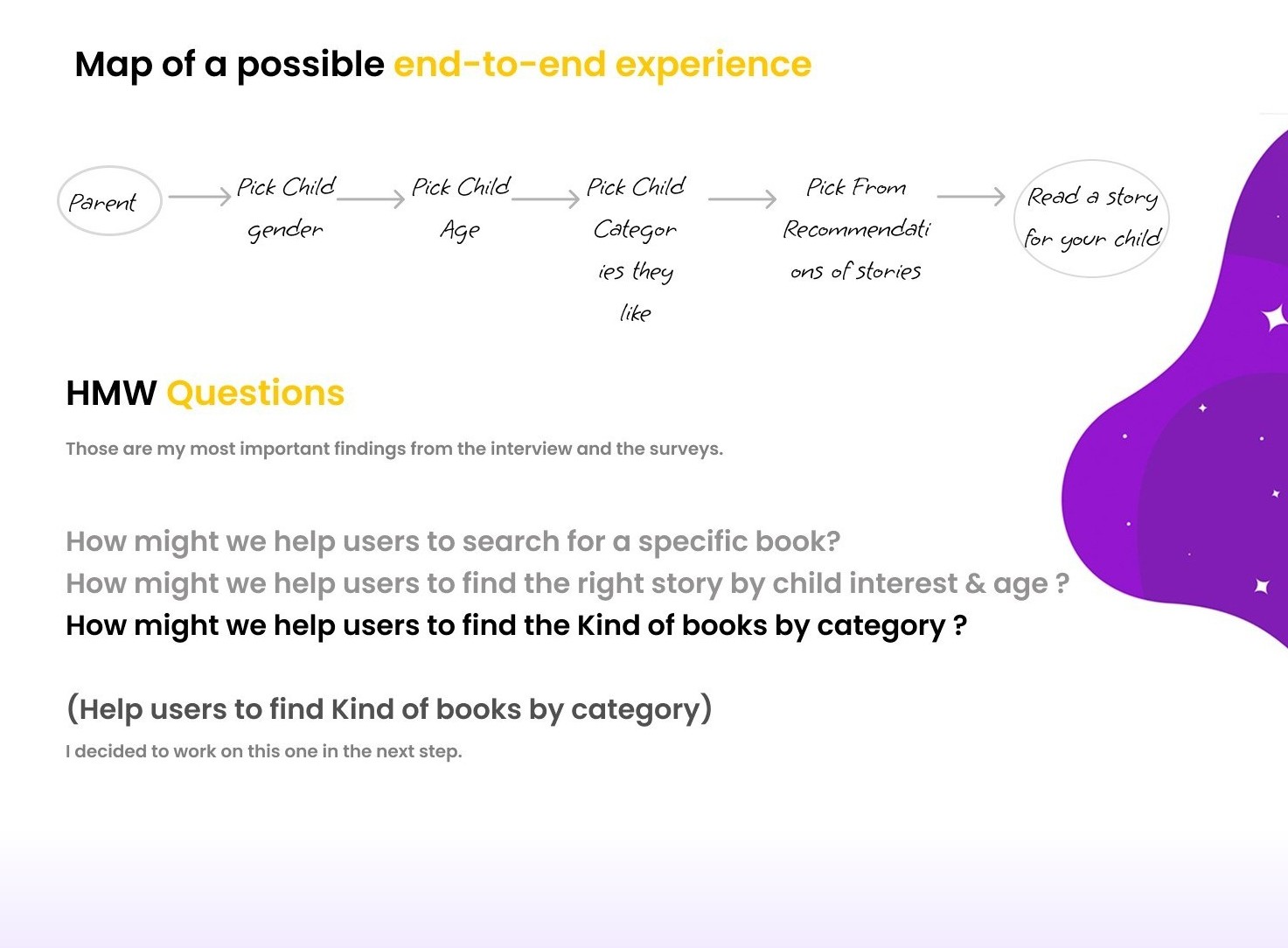
Understanding young readers and their parents.
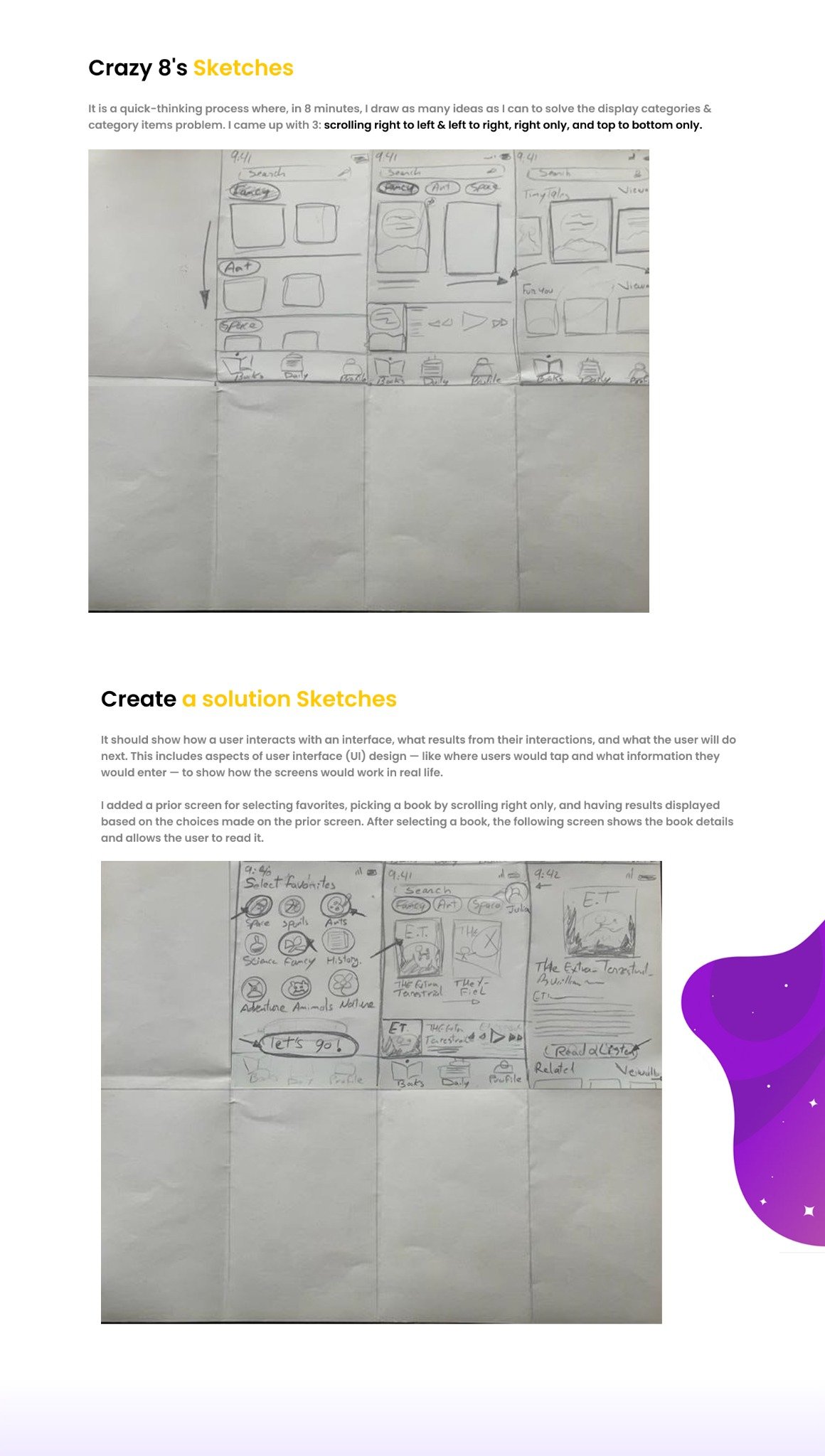
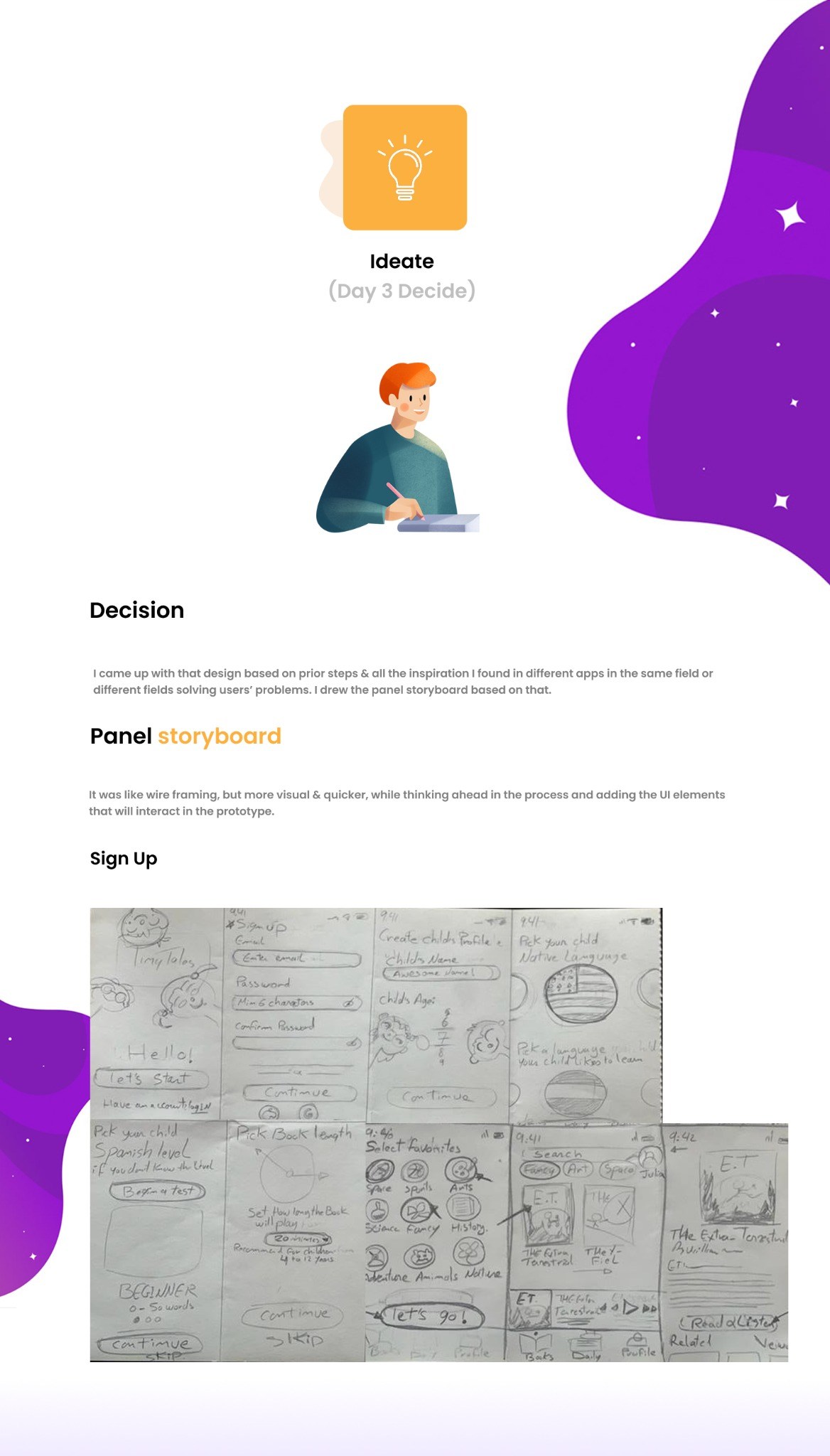
Ideate & Sketch
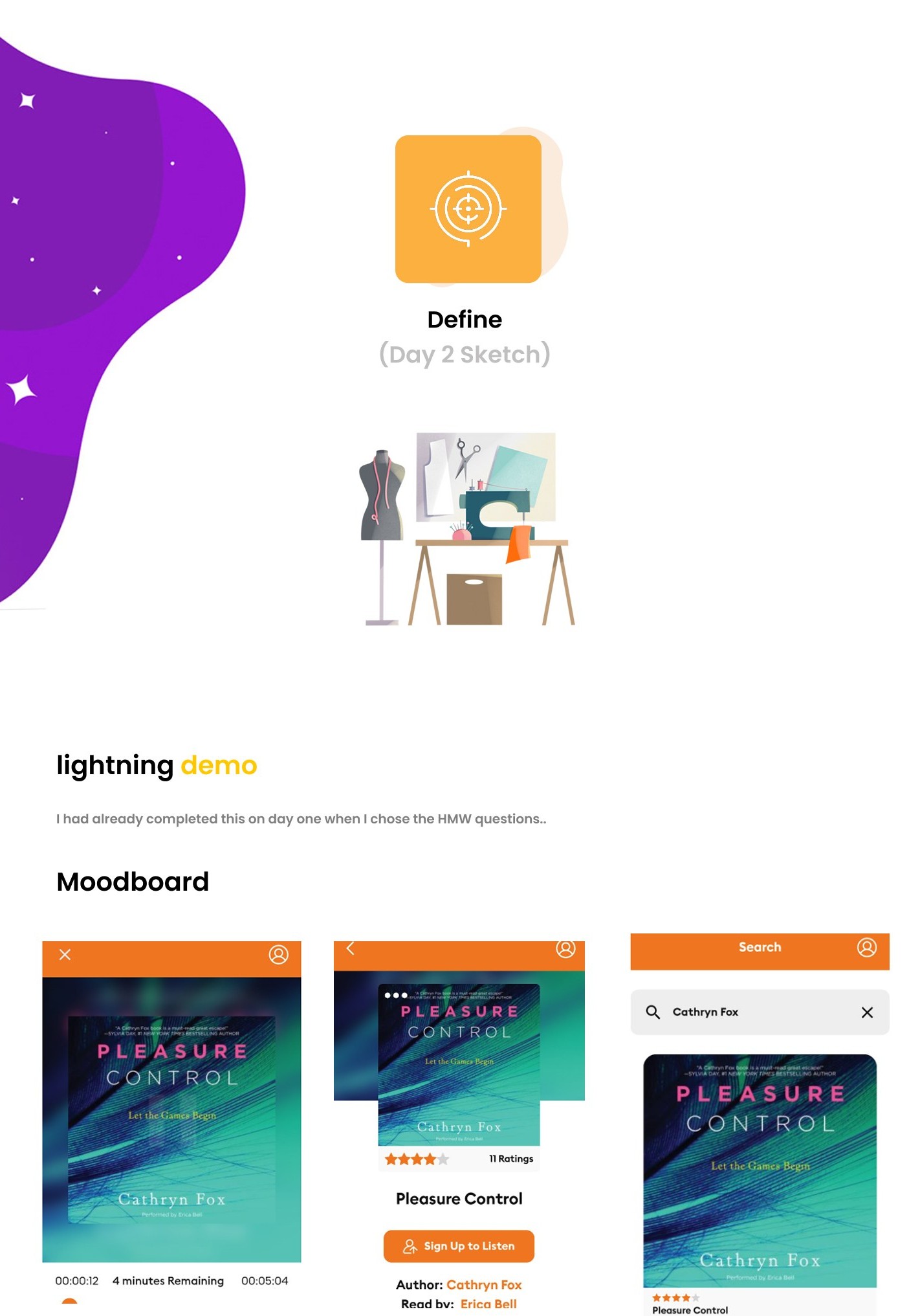
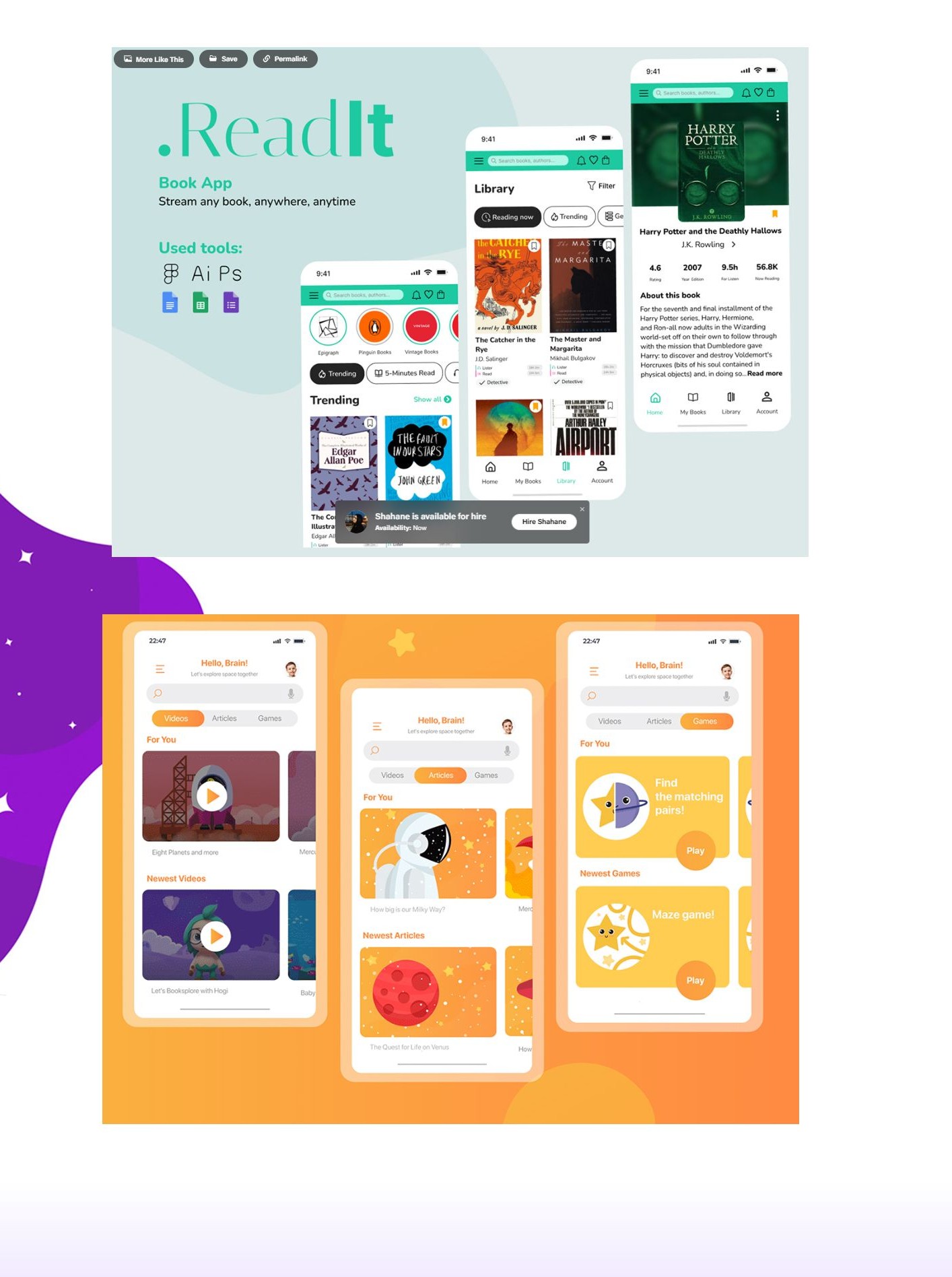
Rapid sketching and concept exploration.
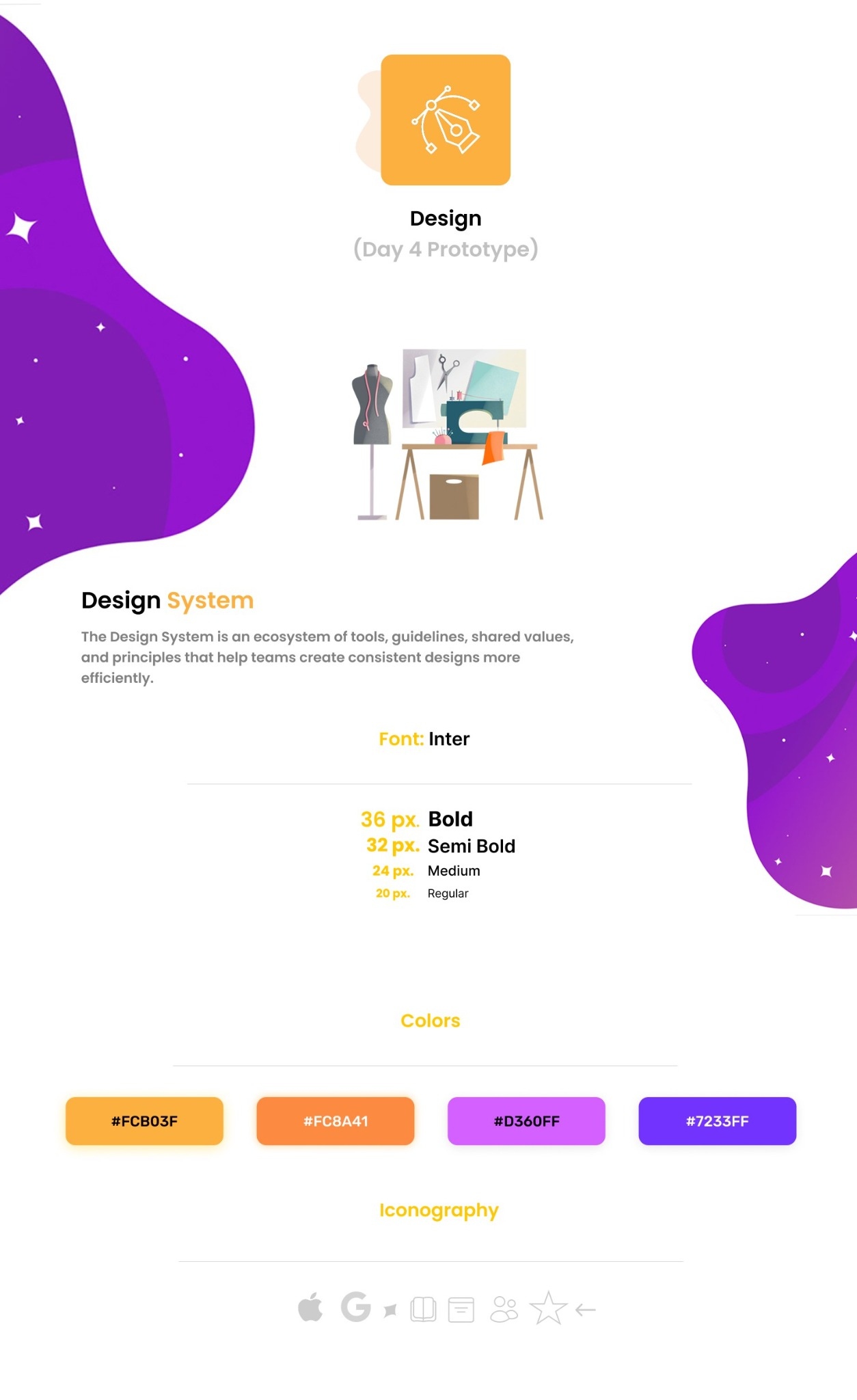
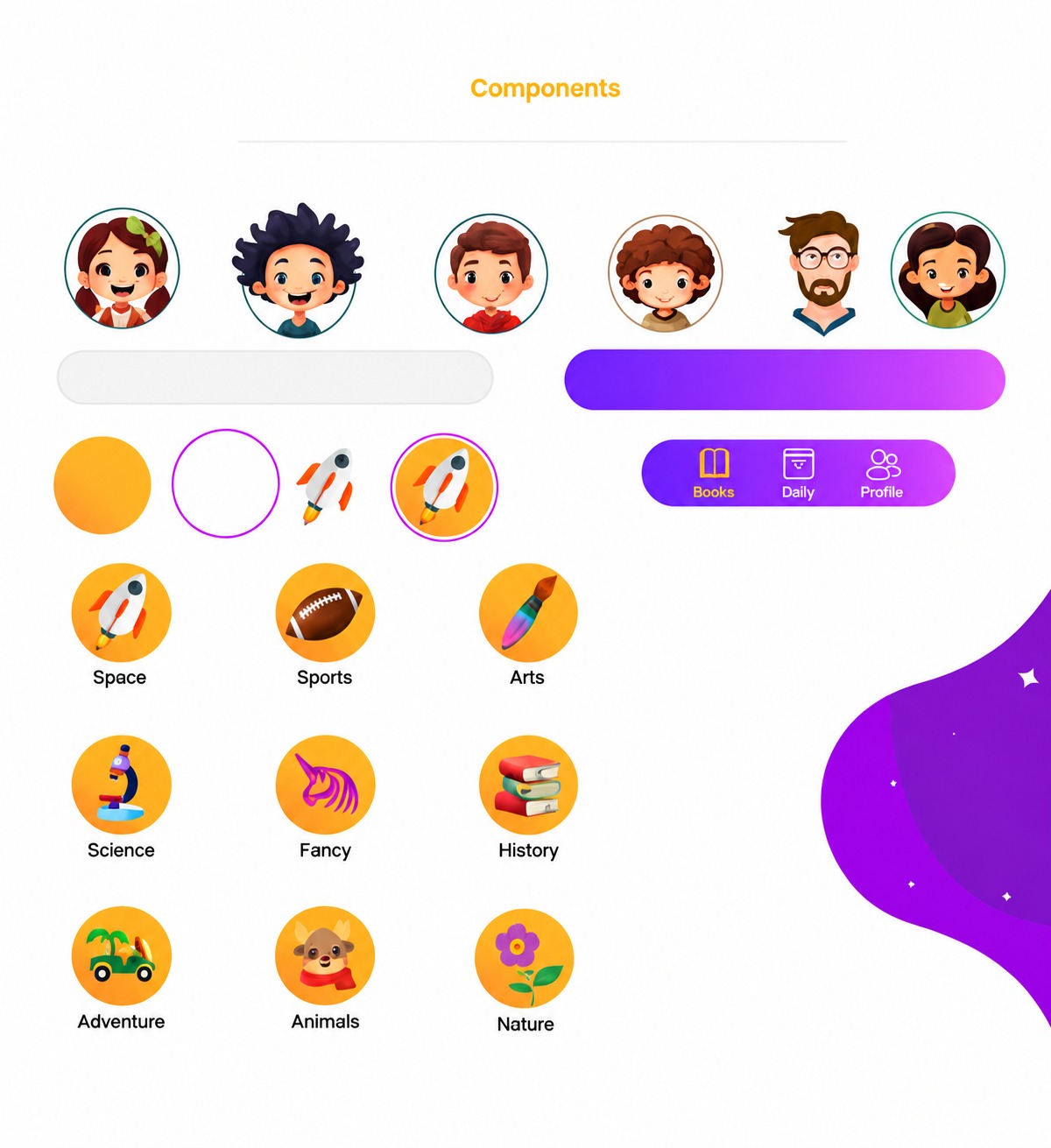
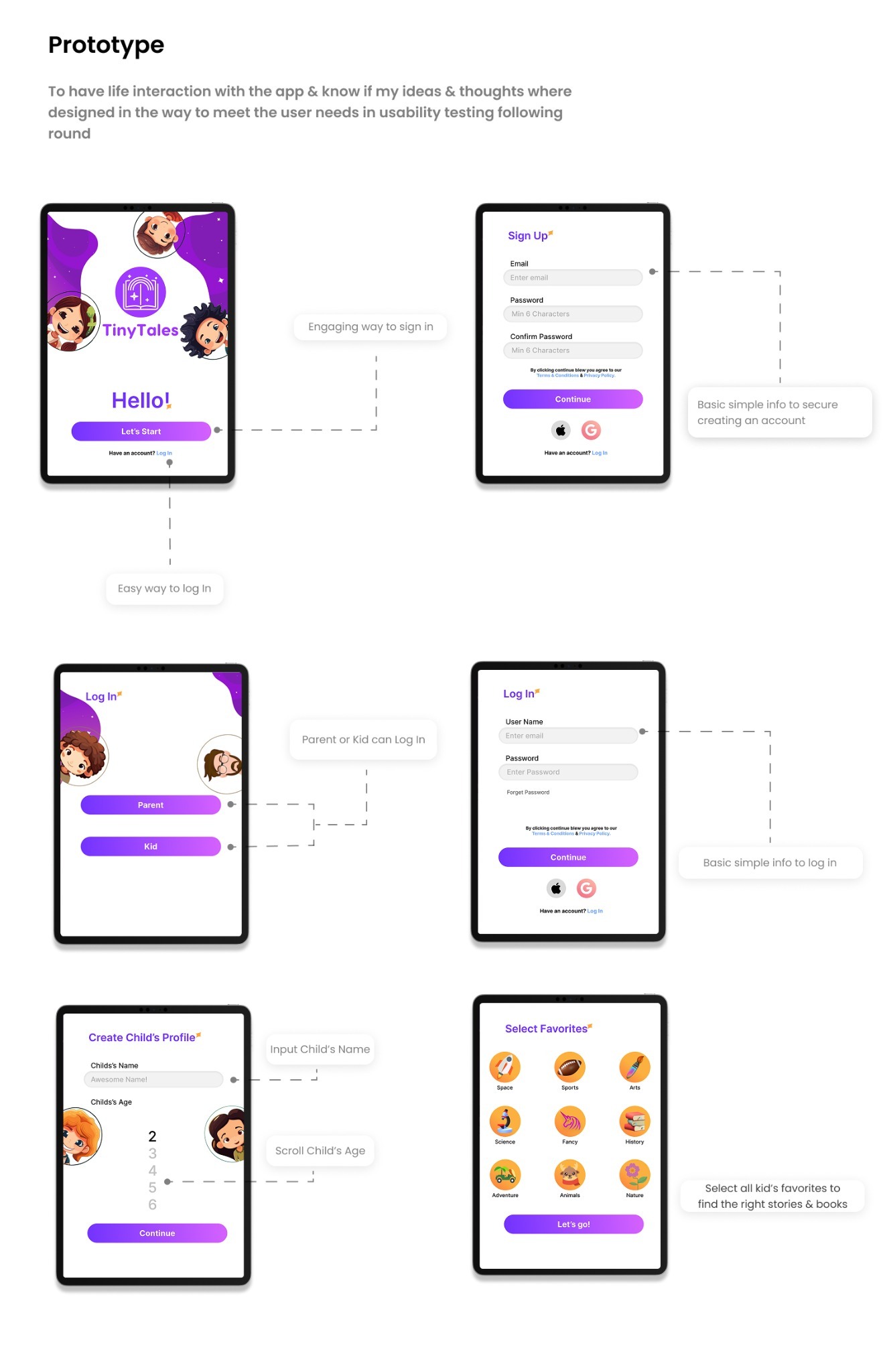
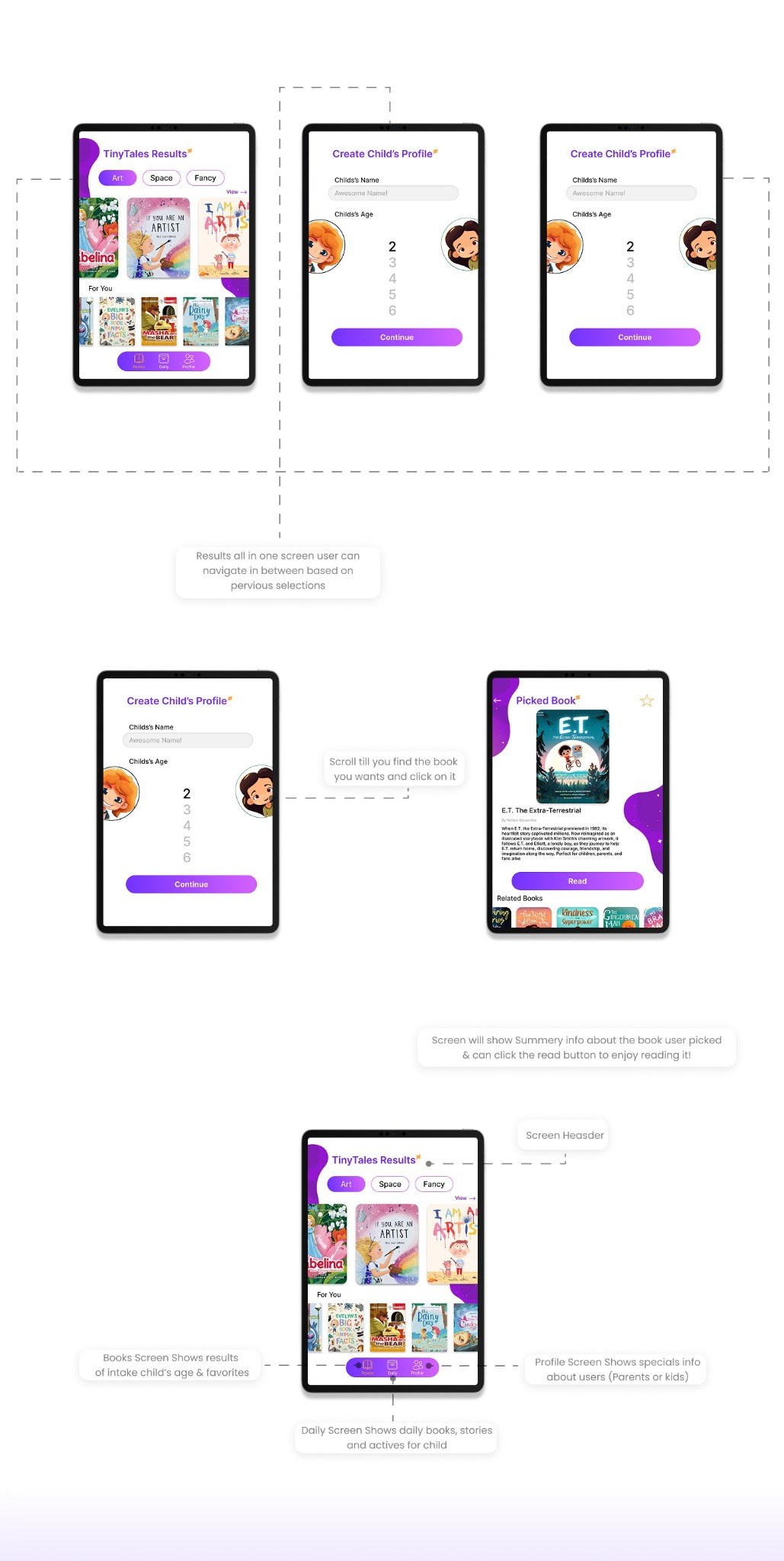
Design & Prototype
Bringing TinyTales to life.
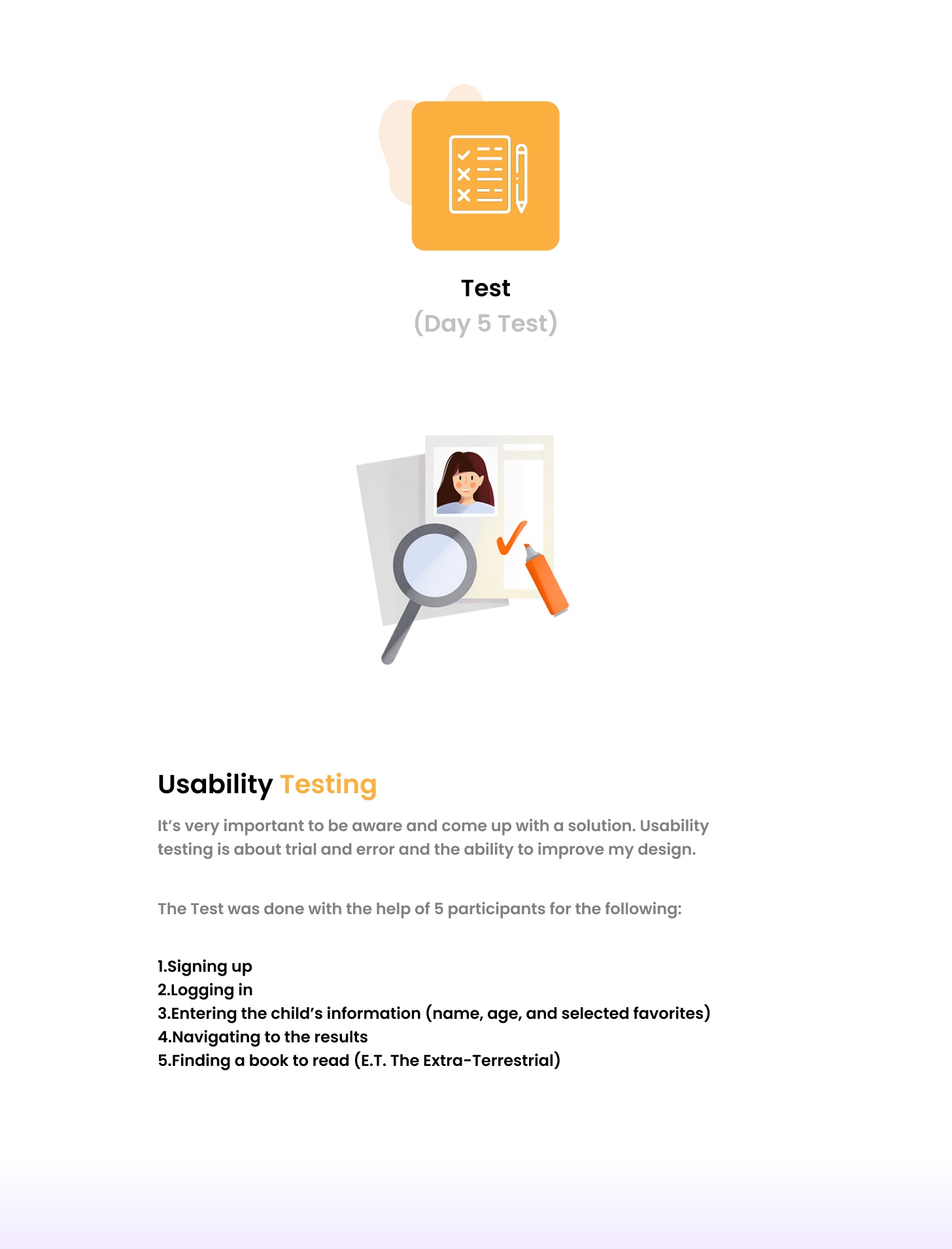
Test
Usability testing results & insights.
Participant #1 Wilson Elser
1. Signing up
No problems with signing up.
2. Logging in
No problems with logging in.
3. Entering the child’s information (name, age, and selected favorites)
Even with instructions in the scenario to pick 3 favorites, the participant couldn’t find that instruction on the screen.
4. Navigating to the results
No problems with navigating to the results.
5. Finding a book to read (E.T. the Extra-Terrestrial)
Even with instructions in the scenario to scroll to find the book, the participant preferred having a search bar.
Participant #2 Terry Sanders
1. Signing up
No problems with signing up, and the participant loved the option to sign up with a Google account.
2. Logging in
No problems with logging in.
3. Entering the child’s information (name, age, and selected favorites)
No problems with the task, but the participant preferred entering the name and age in separate steps.
4. Navigating to the results
No problems with navigating to the results.
5. Finding a book to read (E.T. the Extra-Terrestrial)
No problems with the task.
Participant #3 Sheriff Matta
1. Signing up
No problems with signing up, and the participant loved the option to sign up with a Google account.
2. Logging in
No problems with logging in, but the participant preferred having the option to switch accounts or return to the previous page to log in with a different account.
3. Entering the child’s information (name, age, and selected favorites)
No problems with the task, but the participant preferred having a gender option as well.
4. Navigating to the results
No problems with navigation, but the participant found the “FOR YOU” books at the bottom confusing and was unsure what the section was for.
5. Finding a book to read (E.T. the Extra-Terrestrial)
No problems with the task.
Participant #4 James H
1. Signing up
No problems with signing up, and the participant loved the option to sign up with a Google account.
2. Logging in
No problems with logging in.
3. Entering the child’s information (name, age, and selected favorites)
No problems with the task.
4. Navigating to the results
No problems with navigation.
5. Finding a book to read (E.T. the Extra-Terrestrial)
No problems with the task, but the participant wanted a search bar to find the book more quickly by typing its name.
Participant #5 John S
1. Signing up
No problems with signing up, and the participant loved the option to sign up with a Google account.
2. Logging in
No problems with logging in, but the participant preferred having the option to switch accounts or return to the previous page to log in with a different account.
3. Entering the child’s information (name, age, and selected favorites)
Even with instructions in the scenario to pick 3 favorites, the participant couldn’t find that instruction on the screen.
4. Navigating to the results
No problems with navigation.
5. Finding a book to read (E.T. the Extra-Terrestrial)
The participant wanted a search bar to quickly find the book by name.
Outcome
Lessons & Next Steps
Reflecting on the design journey and future goals.
5
Participants in moderated usability testing
5
Tasks completed in the usability test
5
Days in the design sprint

Project Learnings
Lessons Learned
- A five-day design sprint compresses months of work into one focused, testable prototype.
- Early parent surveys and affinity mapping kept the team anchored in real reading habits.
- Crazy 8's sketching helped the team explore many ideas before committing to one solution.
- Testing with real participants surfaced usability issues that internal reviews never caught.
- A playful, simple design language keeps young readers engaged and makes reading time easier for parents.
Next Steps
- Apply all usability testing findings to the prototype.
- Conduct another round of usability testing with parents and children.
- Design the remaining screens for the full reading experience.

