Method 1
Desk Research
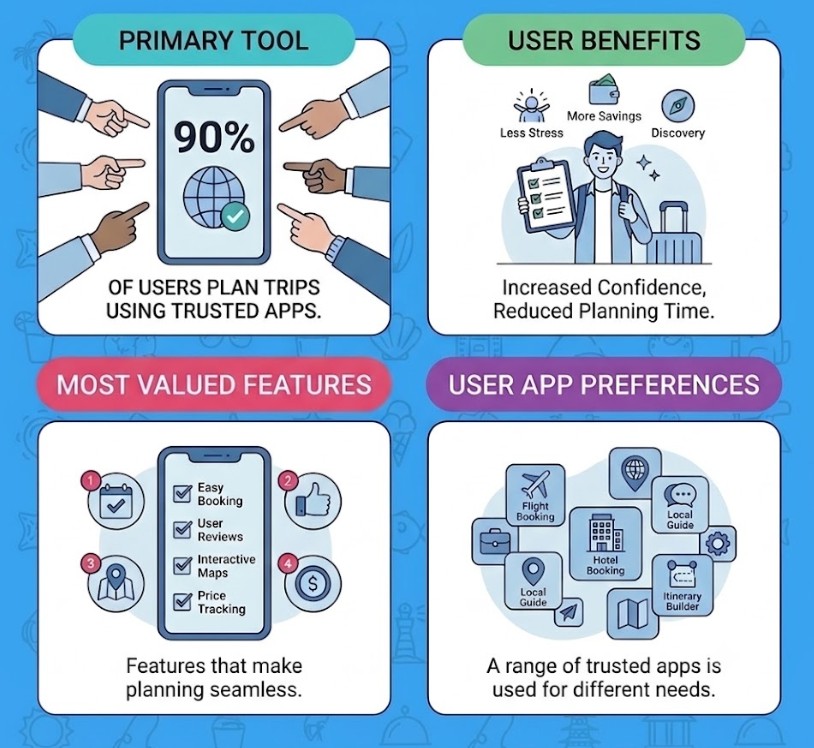
Results shows that 90% of users plan trips using trusted apps.
Target Audience
Our target audience is over 18, owns a smartphone, with a strong interest in exploring new apps. They enjoy traveling outside their hometown, often plan their own trips, and tend to travel at least once a year or more, embracing new destinations and experiences. Use tools to plan their trips.

Method 2
Screening Survey.
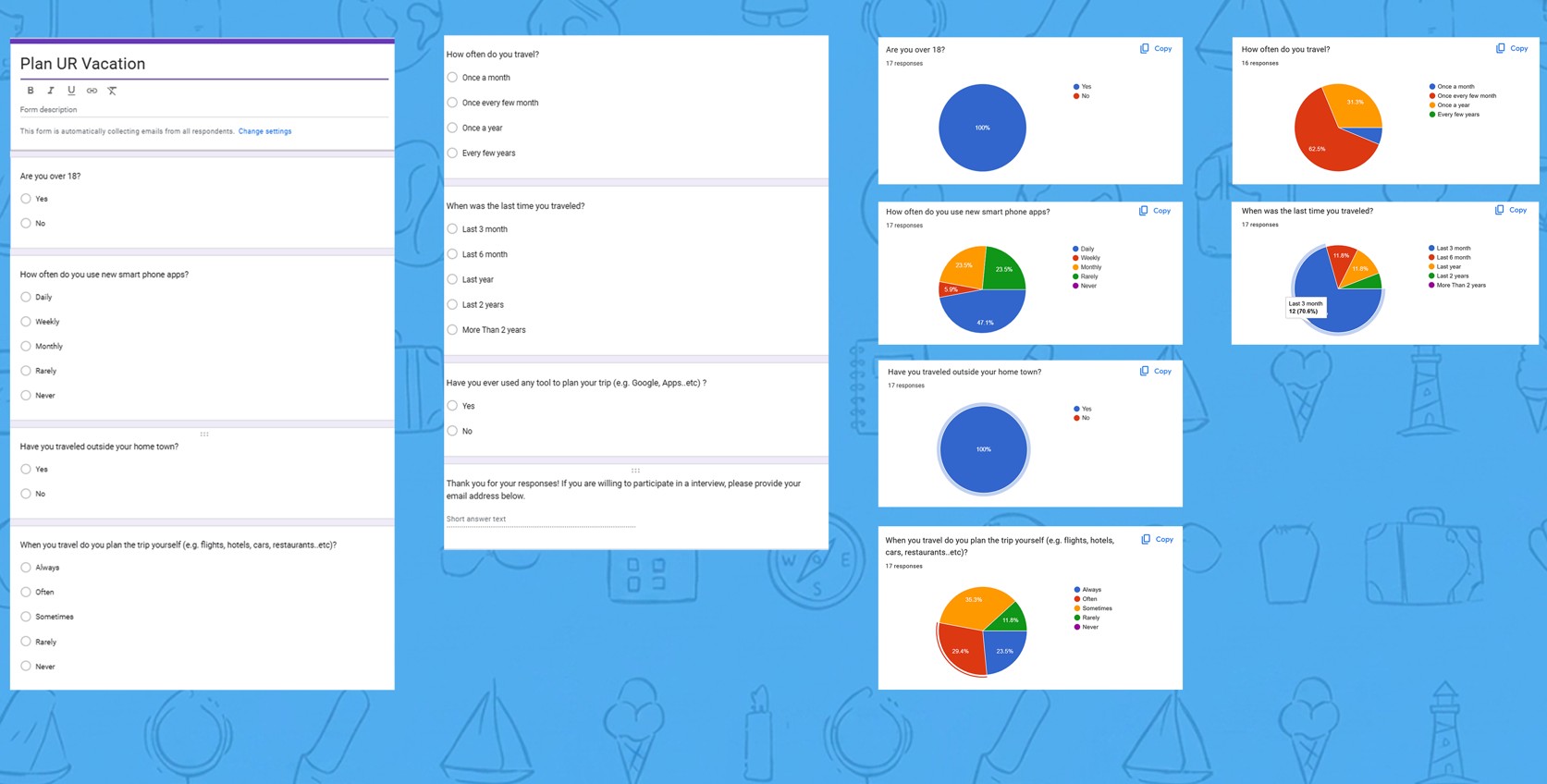
I sent a Google survey form to the target audience and potential users of the dating app, which generated 17 responses. The survey questions were designed to identify users' preferences, pain points, and needs, providing a clearer understanding of their expectations. The results helped create user personas, affinity maps, and empathy maps used to develop the app's features and design.
Research Questions
Participant Characteristics
Recruiting Methods
Method 3
Moderated Interviews.
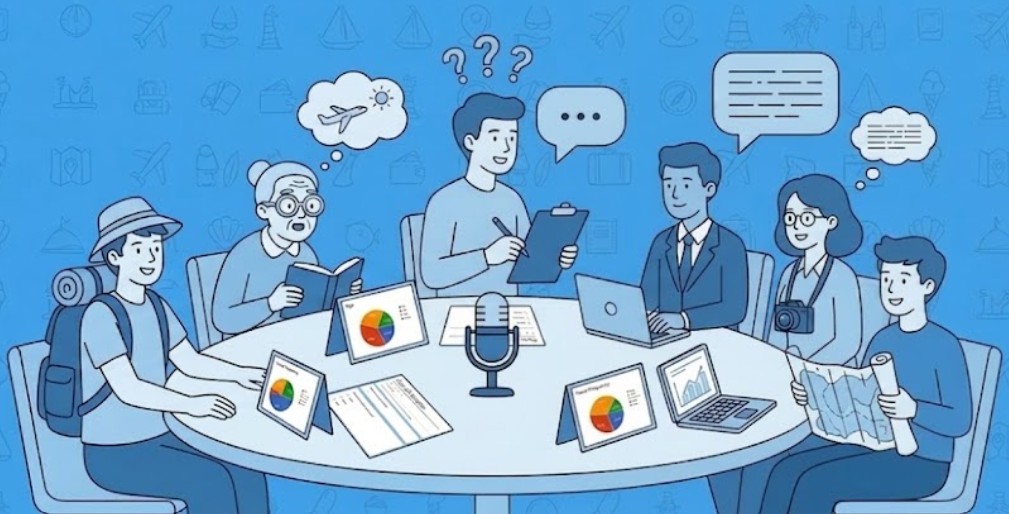
The Google screening survey led to 5 qualified users for interview (3 in person, 2 over the phone), to continue generating insights for user personas, affinity, and empathy maps. Applying it on the app design, addresses user needs and improves on existing solutions.
Interview Questions
About the User
- Where do you live?
- What do you do for a living?
- What are your hobbies?
Travel
- Why do you travel?
- Where do you travel?
- How often do you travel?
- When was the last time you traveled?
Planning a Trip
- What do you do to plan a trip?
- What challenges did you face when planning your trip?
- What is your travel budget?
- Are you willing to try new destinations?
Interview Feedback
What did I learn from my users?
Budget and logistics are the biggest challenges.
Users frequently mentioned expensive hotels, flight cancellations, connecting flights, restaurant reservations, transportation, and keeping track of expenses while traveling.
If prices aren't good, I will check Kayak, Trivago, Hopper...
Jeff S
Travelers can't find their desired activities at their destinations
Many travelers face difficulties finding activities at their destinations that align with their preferences, leaving them feeling unfulfilled or struggling to make the most of their trip experiences.
I will Google search places, Google Maps... If I run out of ideas, I read articles about things to do.
Megan P
Market Scan
I analyzed my competitors.
Learning how other leading travel applications handle usability, navigation, system feedback, and visual consistency was essential to accurately redesigning our flows...
A) Match Between System & Real World
Good
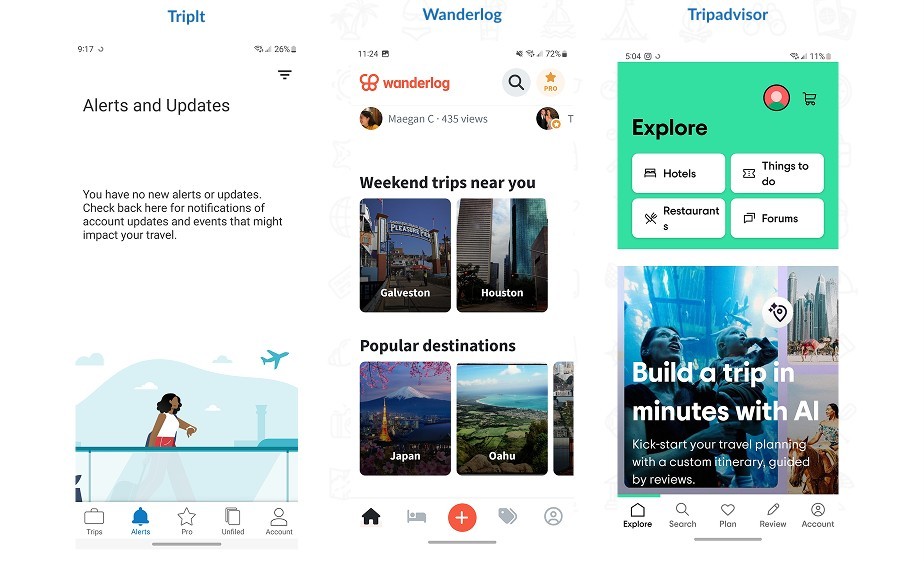
TripIt — Rating: 9/10
Displays real-world travel concepts (flight tracks, train alerts) with familiar icons and clear, natural language.
Wanderlog — Rating: 9/10
Features intuitive discovery cards like "Weekend trips near you" and plain-language trip creation prompts.
Tripadvisor — Rating: 8/10
Uses universally understood real-world categories like Hotels, Things to Do, Restaurants, and Cafes.
Needs Improvement
(None — all three apps perform well in this heuristic)
B) User Control & Freedom
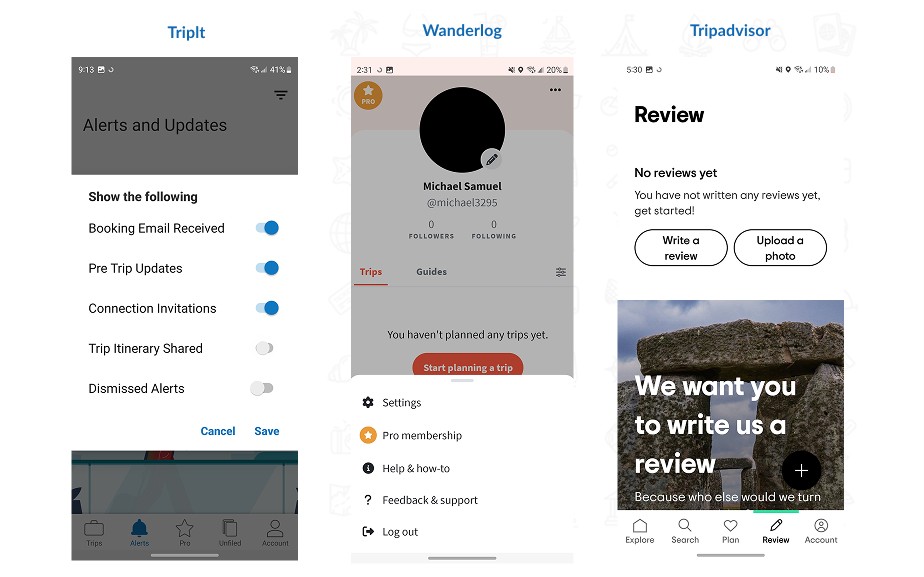
Good
TripIt — Rating: 8.5/10
Clear toggle controls for alert preferences, complete with direct Cancel and Save actions.
Wanderlog — Rating: 9/10
Provides seamless control to edit itineraries, discard unsaved trip drafts, or manage profile settings without getting stuck.
Tripadvisor — Rating: 8/10
Features explicit popup confirmation dialogues containing clear Discard, Cancel, and Save buttons when adding or editing a trip.
Needs Improvement
(None — all three apps offer proper exit points and user controls)
C) Consistency & Standards
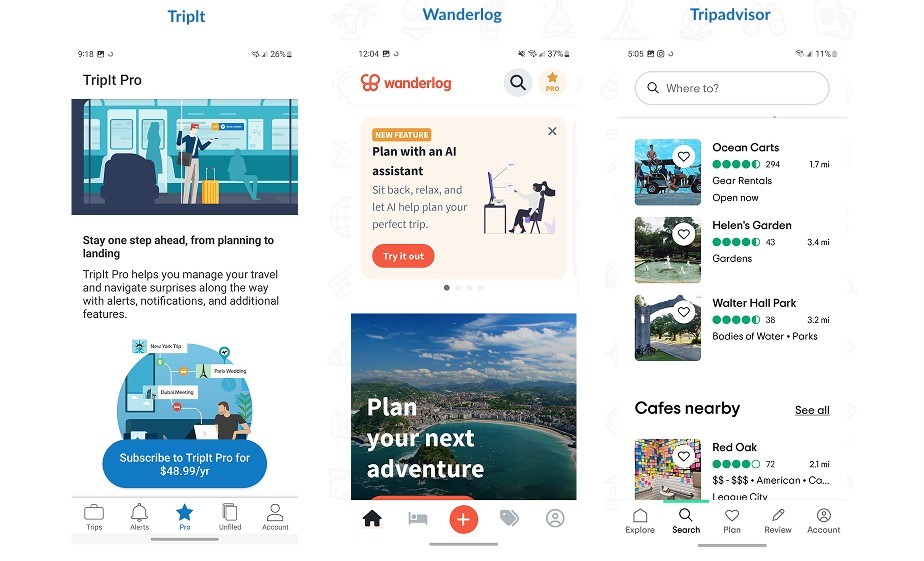
Good
TripIt — Rating: 9/10
Strict adherence to design patterns across all screens—consistent top headers, uniform card designs, and predictable bottom navigation.
Wanderlog — Rating: 9/10
Cohesive grid layouts, standardized visual hierarchies, and uniform typography throughout the entire journey.
Tripadvisor — Rating: 9/10
Maintains standard design patterns using a clean top header, prominent call-to-action buttons, and a highly predictable bottom navigation.
Needs Improvement
(None — all three apps offer proper exit points and user controls)
That's a wrap

